HOW TO GET YOUR $ARMA TOKENS
The process takes about ten minutes once you understand the steps. With 0% BUY TAX and 0% SELL TAX, you receive exactly what you pay for.
Step 1: Create a MetaMask or Compatible Wallet
Download MetaMask from the app store or visit metamask.io for the browser extension. Other wallets work too, but MetaMask is the most common choice for BNB Chain tokens.
Step 2: Select Binance Smart Chain Network
Inside your wallet, switch the network to Binance Smart Chain (also called BNB Chain). This is where $ARMA lives. The wallet won’t find the token if you’re on the wrong network.
Step 3: Get BNB to Swap for $ARMA
You’ll exchange BNB for $ARMA, so you’ll want some BNB in your wallet first. Three options: buy directly inside MetaMask, transfer from another wallet, or purchase on an exchange like Binance and send it to your wallet address.
Step 4: Add the $ARMA Token Address to Your Wallet
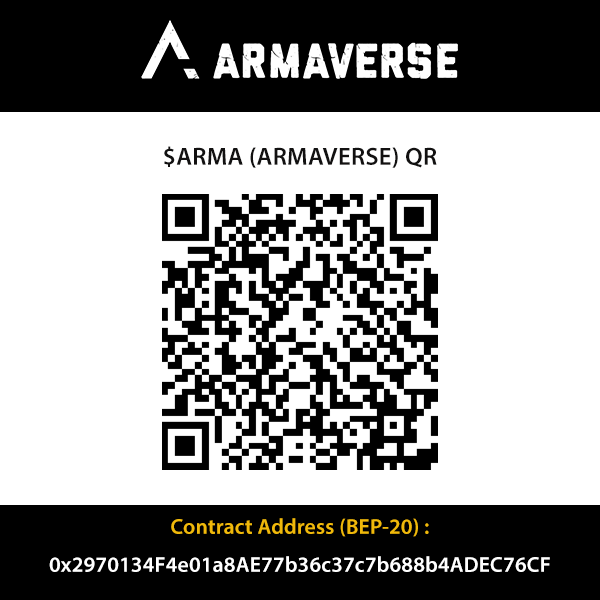
Go to “import tokens” in your wallet and add $ARMA as a custom token. Use the official contract address:
0x2970134F4e01a8AE77b36c37c7b688b4ADEC76CF
Copy it exactly. One wrong character and you’ll add the wrong token.
[armaverse](https://www.armaverse.io/)
Step 5: Go to PancakeSwap and Swap BNB for $ARMA
Open pancakeswap.finance/swap in your browser. Connect your wallet when prompted. Paste the $ARMA contract address into the “to” field. Enter how much BNB you want to swap. Confirm the transaction.
Since there are zero taxes, you don’t have to adjust slippage settings. The default works fine.
Tip: After your swap completes, verify the transaction and track $ARMA price action on DEXTOOLS.


 DEXTOOLS